Cycling Frames: Wall Art, Bike Pride, and a Stats Frame on the Desk
Published
July 2, 2026
Topic
cycling frame
Search for "cycling frame" and you get two worlds. Wall frames: route posters, race numbers, signed jerseys, medal shadow boxes. Desk frames: small displays, digital picture frames, sometimes a TRMNL panel showing live data. Riders often start with wall art because it is visible pride. They discover later that pride does not answer "how many kilometers do I have left in March."
Both belong in a cyclist's space. They do different jobs.
Wall frames: memory and identity
Wall-mounted cycling frames freeze moments. A poster of Alpe d'Huez climbed in rain. A map print of your first century. A race bib from the fondo that went better than expected. These objects tell visitors who you are. They also tell you, on good days, why you ride.
Route art vendors turn GPX files into prints. Quality depends on line simplification, paper stock, and how much text surrounds the trace. Sizing matters: hallway vs office vs pain cave wall each calls for different dimensions.
Wall frames fail at one task: they do not update. The ride on the poster stays that ride. March training volume stays invisible unless you open Strava.
For print-focused guidance, see cycling poster ideas for memorable routes and buying a cycling route map art print.
Desk stats frames: momentum
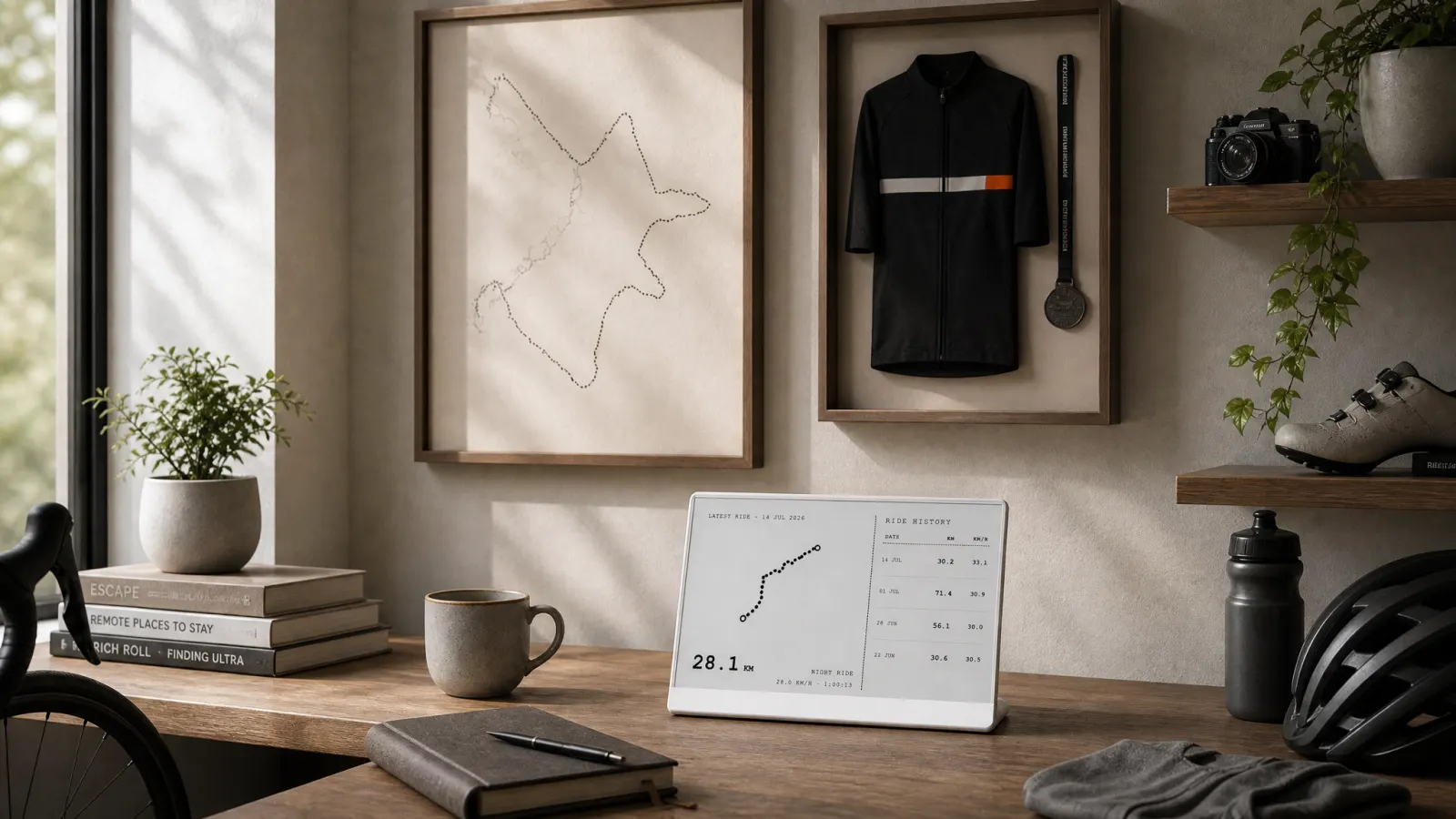
A stats frame on the desk is closer to a clock than art. It shows numbers that change: recent rides with route shapes, yearly goal progress, a week grid of active days, optional friend activity. Activity Frame on TRMNL pulls that set from Strava and formats it for e-ink.
E-ink suits a desk stats frame because it stays readable in daylight and avoids another glowing rectangle. Layouts strip color-dependent charts in favor of contrast-friendly totals and simplified routes.
The desk frame answers daily questions wall art cannot: pace toward a yearly kilometer target, whether Monday included a ride, and how recent outings looked on the map.
Strava art on the wall vs stats on the desk explores that split in more detail.
How riders combine both
Common pattern: one wall frame for the ride that changed something, one desk panel for the season in progress. The poster stays static pride. The TRMNL panel refreshes when activities sync.
Jersey frames and medal boxes stay on the wall. No plugin replaces them. Stats frames do not need matting or glass. They need Wi-Fi and a power cable.
Some riders reverse emphasis: minimal wall, strong desk stats for data-forward personalities. Others fill walls with art and skip desk hardware until they miss one goal too many. Either order works.
Choosing a desk stats frame without DIY
Building a custom Strava dashboard is an option for developers. Most riders want plug-and-play: Activity Frame account, Strava connection, TRMNL plugin, screen selection. Four steps, no frame shop for data.
Screens map cleanly to desk use:
| Screen | Desk frame role |
|---|---|
| Latest rides | Rolling view of recent distance and route shapes |
| Yearly goals | Annual kilometer bar always in view |
| Week grid | Consistency check by midweek |
| Friends | Optional social nudge |
Not a coaching app. Not a heatmap explorer. A narrow Strava mirror for glances.
Compare to phone dashboards in Strava dashboards: app views vs an always-on desk screen.
Placement tips
Wall art: eye level where you pause, hallway, top of stairs, pain cave facing the trainer.
Desk stats frame: beside monitor, shelf facing chair, side table near kit layout. If you never look at it while working, it becomes background noise.
Avoid stacking the stats frame behind a laptop. Treat it like a desk clock you intentionally place in view.
When to skip the desk frame
Skip if you never work or relax near a desk or counter. Skip if you prefer all stats on the phone and honestly use them there. Skip if you need live power metrics during indoor sessions; use your trainer software instead.
Choose the desk frame if Strava goals matter and you forget them until month-end. Choose it if route shapes motivate you but you will not order a new print every month.
Setup guide: how to show Strava on an e-ink desk display with Activity Frame.
Soft CTA
Keep the cycling frame on the wall for the ride you want to remember. Add a stats frame on the desk for the kilometers you are riding now.
Create an Activity Frame account, connect Strava, and pick the screens that belong next to your keyboard.